Log in with your username and password
You can access the Delphix Compliance Services (DCS) portal using a username and password if your organization has not yet enabled Single Sign-On (SSO). This login method allows administrators to manage user access directly within DCS.
How username and password login works
When an organization is created in DCS, the designated organization administrator receives an automated email inviting them to set up their username and password.
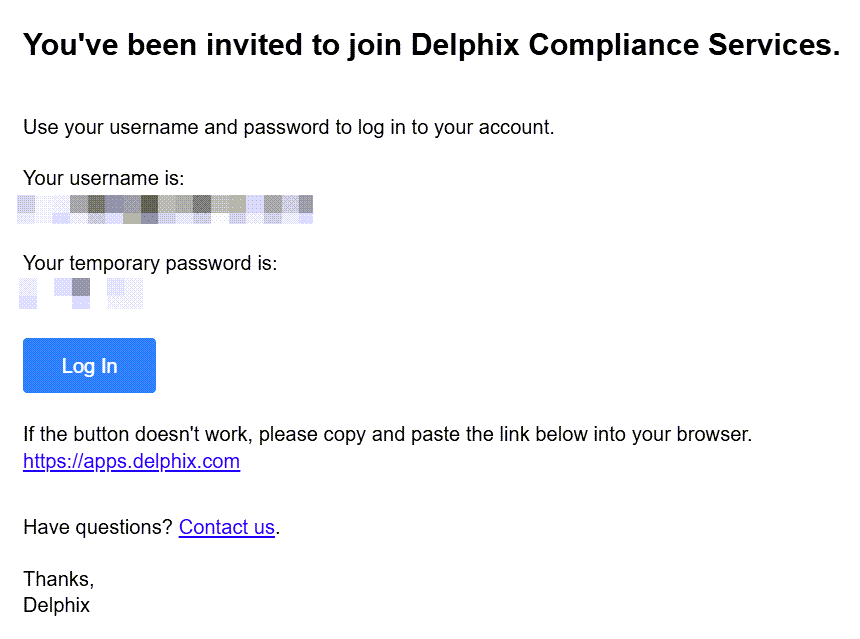
This process establishes the first user in the system as the owner. The owner can then create additional administrator accounts and share credentials with their team members by email.
If the email does not appear promptly, check your spam or junk folder before contacting support.
Steps
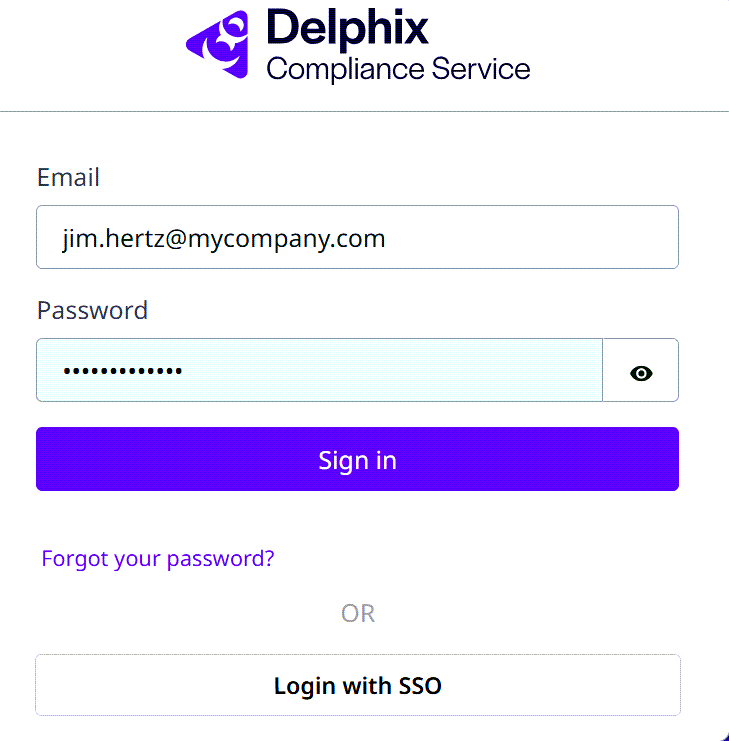
- Open the DCS login page.
- Enter your Email and Password.
- Select Sign In.
After logging in, you can perform standard administrative actions such as adding, editing, or deleting users. For detailed instructions, see:
If your organization has enabled SSO, see Log in using SSO for instructions.