Delete an administrator
You might need to remove an administrator when someone no longer needs access to manage the system. Maybe they’ve moved to a different role, left the team, or no longer handle admin tasks. Deleting an administrator helps keep your system secure and ensures that only the right people can make important changes.
An owner cannot delete their own account, but can delete administrator accounts. Administrators can delete their own account or other administrators’ accounts.
Steps
-
Log in to Delphix Compliance Services and select the Accounts tab.
-
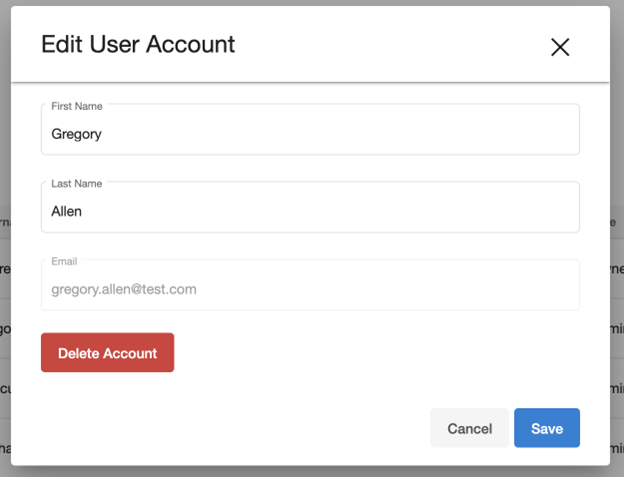
Next to the user you want to delete, click the Ellipsis (...) icon, and select Delete Account.
-
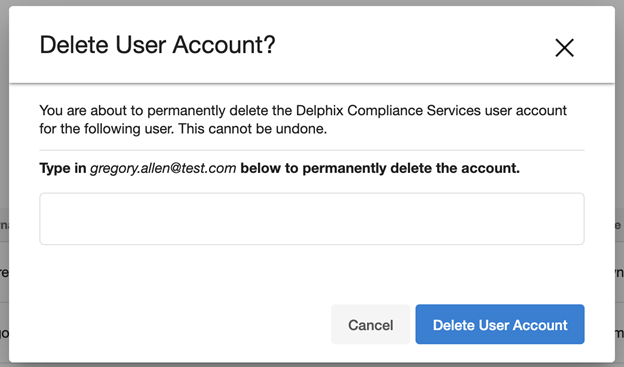
In the confirmation dialog box, enter the user’s email address, then to confirm, click Delete.