Add an administrator
You might need to add an administrator when you want someone else to help manage your organization’s Delphix Compliance Services (DCS) tenant. Adding an administrator lets another trusted team member handle user access, settings, and other day-to-day tasks. Do this when you’re sharing administrative duties or bringing a new IT or operations person on board.
Steps
-
Log in to Delphix Compliance Services and select the Accounts tab.
-
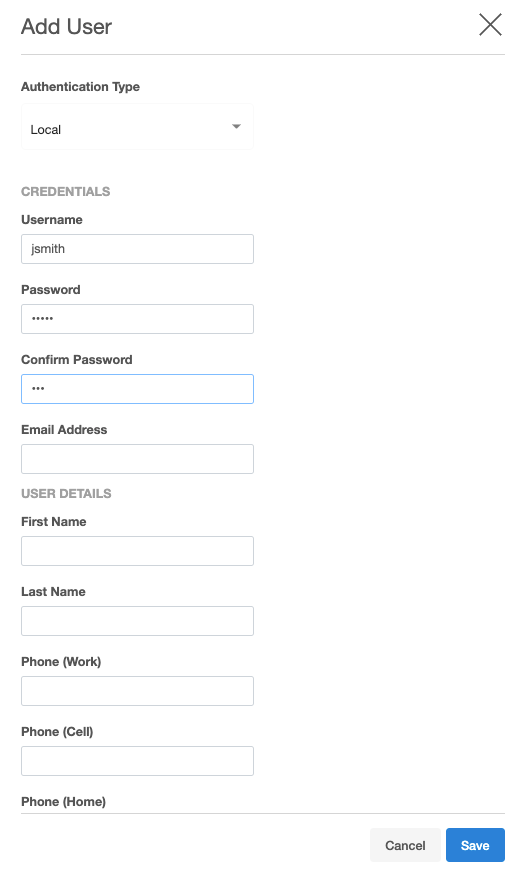
Click Add Account. The Add User Account dialog appears.
-
Enter the following information:
- First Name — The user’s given name.
- Last Name — The user’s surname.
-
Email — The user’s email address.
If an email address is already associated with an existing account, you cannot reuse it.
-
To create the administrator account, click Save.
Result
After the account is created, the user receives an email with instructions for setting their password.