Edit an administrator
As a Delphix Compliance Services (DCS) owner or administrator, you might need to edit an administrator’s details when their responsibilities change or their information needs updating. For example, you might update their contact details, adjust their role permissions, or reassign access. This task helps keep your DCS tenant’s administration accurate and aligned with your organization’s current setup.
You can edit your own details or those of other users. The email address associated with a user account cannot be changed.
Steps
-
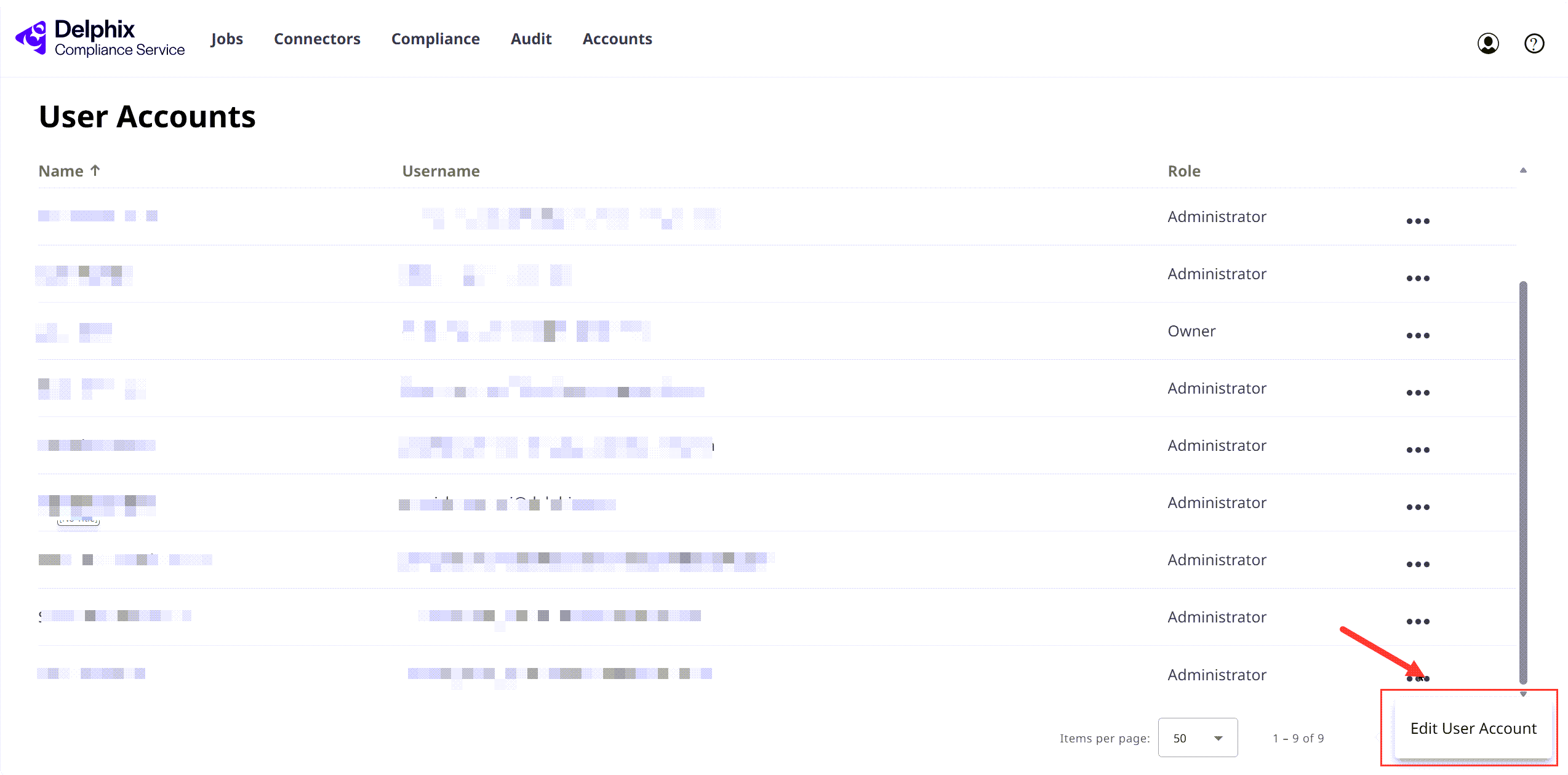
Log in to Delphix Compliance Services and select the Accounts tab.
-
Next to the user you want to edit, click the Ellipsis (...) icon, and select Edit User Account.
-
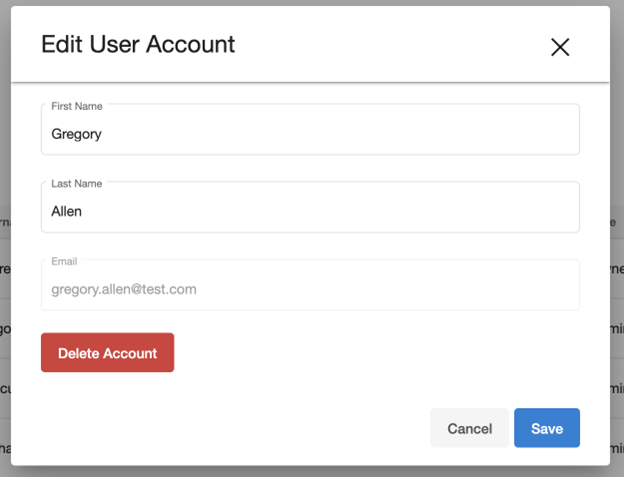
Modify the following fields as needed:
- First Name
- Last Name
-
To apply the changes, click Save.