Log in using SSO
If your organization has configured Single Sign-On (SSO), you can use your organization’s credentials to log in to Delphix Compliance Service (DCS). Otherwise, continue using your existing DCS username and password.
-
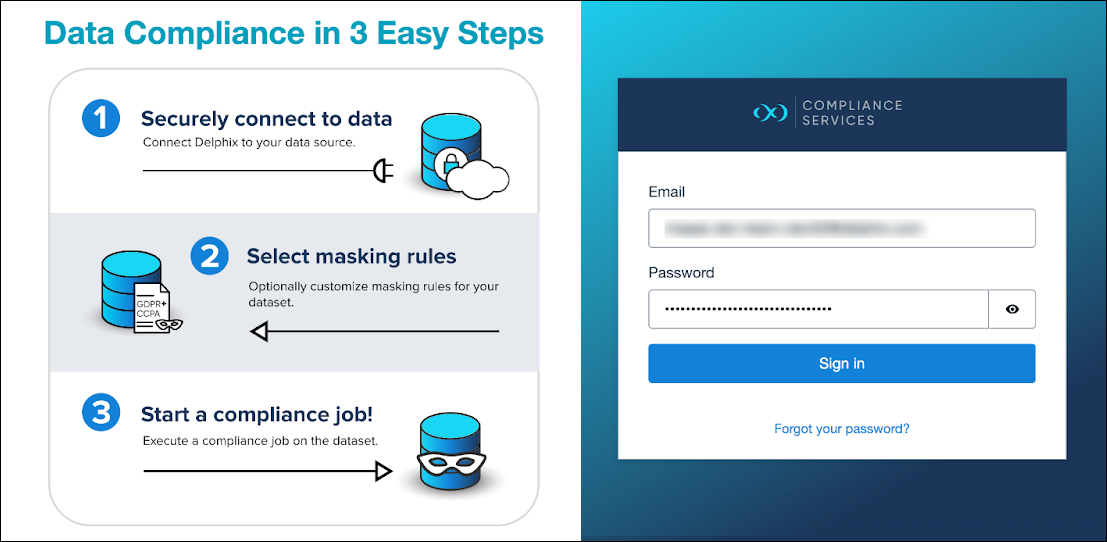
On the Delphix Compliance Services login page, click Log in with SSO.
-
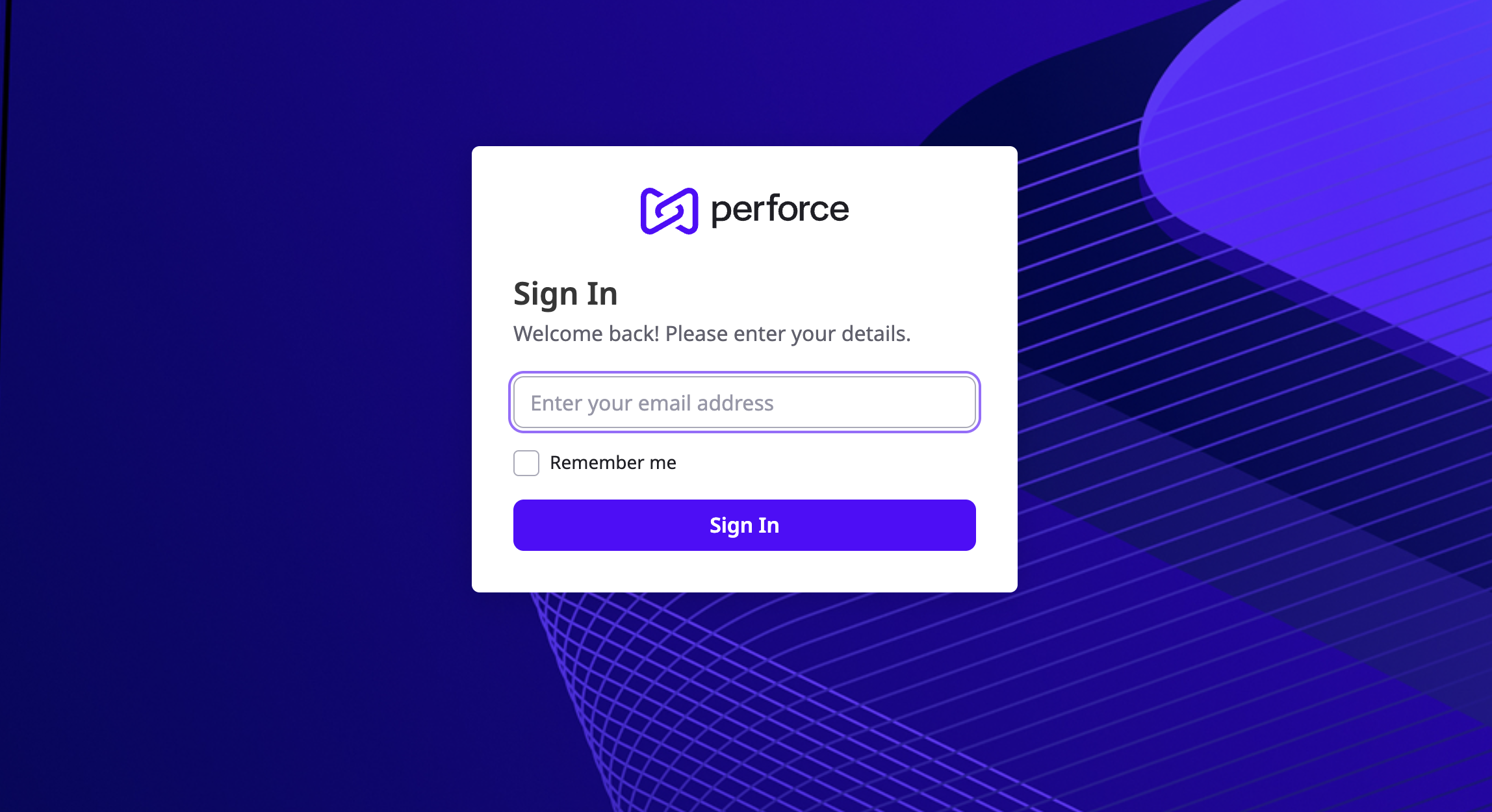
When prompted, enter your authorized email address.
You are redirected to your organization’s IdP (identity provider).
-
Authenticate using your organization’s credentials.
After successful authentication, you are redirected back to the Delphix Compliance Services application.