Configure FTPS for mainframe
FTPS uses TLS/SSL to connect to mainframe MVS storage. It supports MVS storage only; it cannot connect to z/OS Unix System Services (USS) storage. The Is Multiple Virtual Storage (MVS) Path setting is always enabled for FTPS.
Prerequisites
-
A DCT instance with a compliance engine configured.
-
Access to the mainframe server certificate and network access from the compliance engine to the FTPS server.
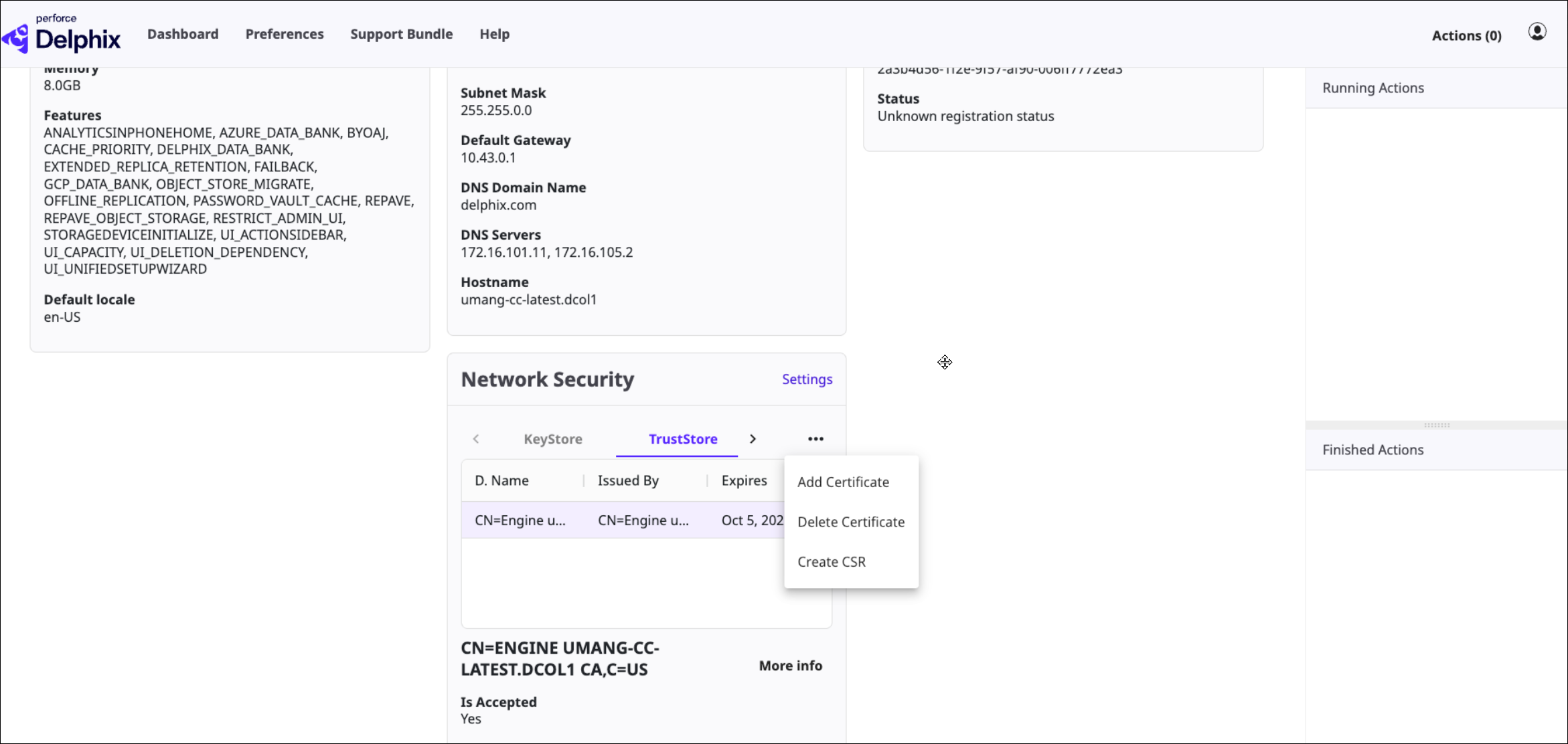
Add the certificate to the compliance engine TrustStore
-
Extract the certificate with OpenSSL or export it from z/OS RACF. For example:
openssl s_client -connect <mainframe_host>:<port> -showcerts </dev/null 2>/dev/null \
  | sed -ne '/-BEGIN CERTIFICATE-/,-END CERTIFICATE-/p' > mainframe_cert.pem
-
Validate the PEM file:
openssl x509 -in mainframe_cert.pem -text -noout
The file must begin with -----BEGIN CERTIFICATE----- and end with -----END CERTIFICATE-----.
-
Open the compliance engine Server Setup UI, navigate to Network Security, paste the PEM certificate into the certificate field, and save.
Create and test the FTPS connector
-
Follow the connector creation steps in Create a file connector and select FTPS as the connection method.
-
Enter the server name, port, credentials, and an MVS high-level qualifier ending with a trailing period, such as DELPHIX..
-
Click Test Connection. A successful test returns Connection Succeeded.
After the connector is validated, continue with Create a rule set and Create a discovery job for files.