ADFS configuration for access groups
This page explains how to configure a group member with ADFS.
-
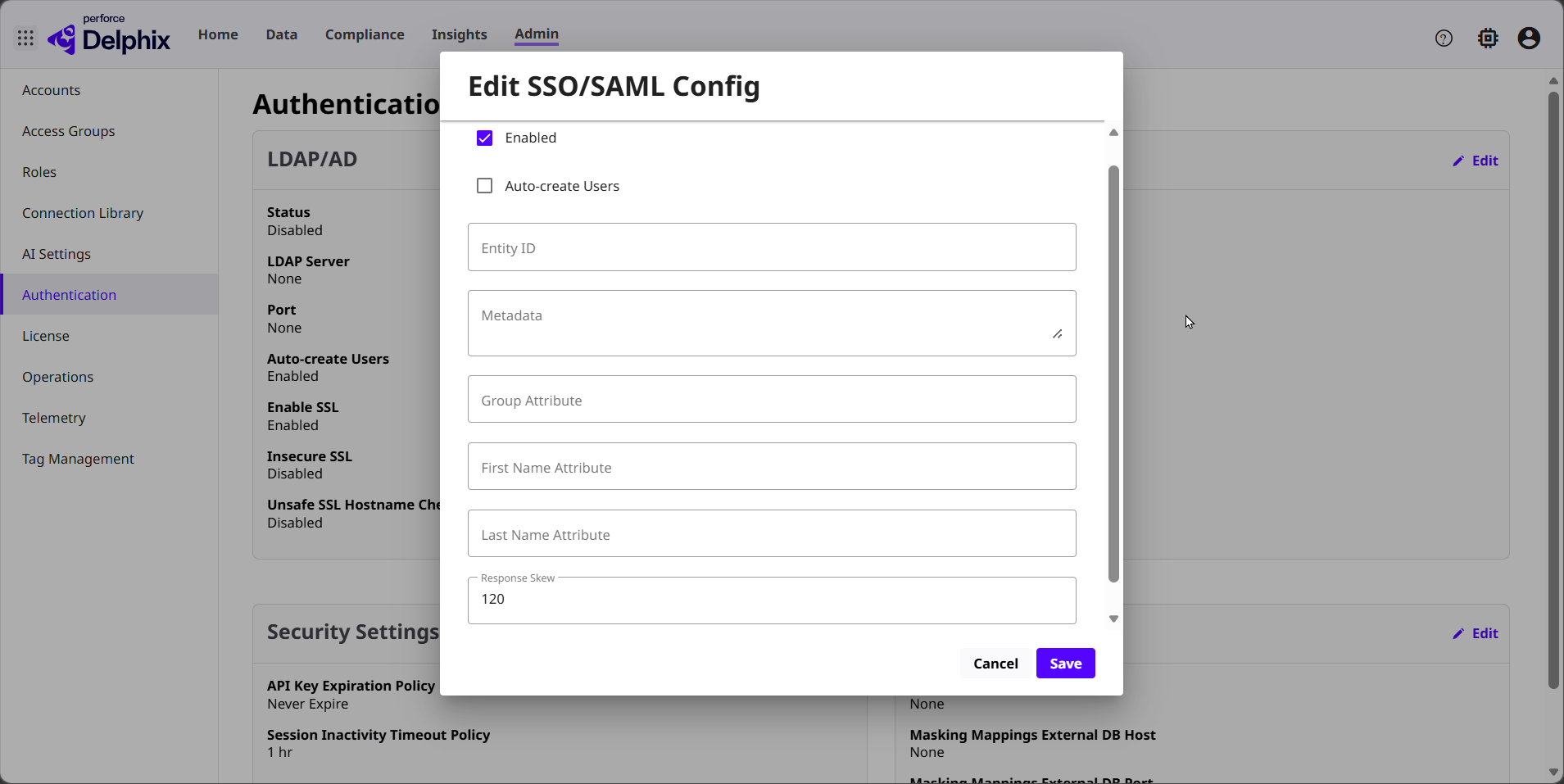
Configure DCT to use the following value for the Group Attribute: http://schemas.xmlsoap.org/claims/Group
-
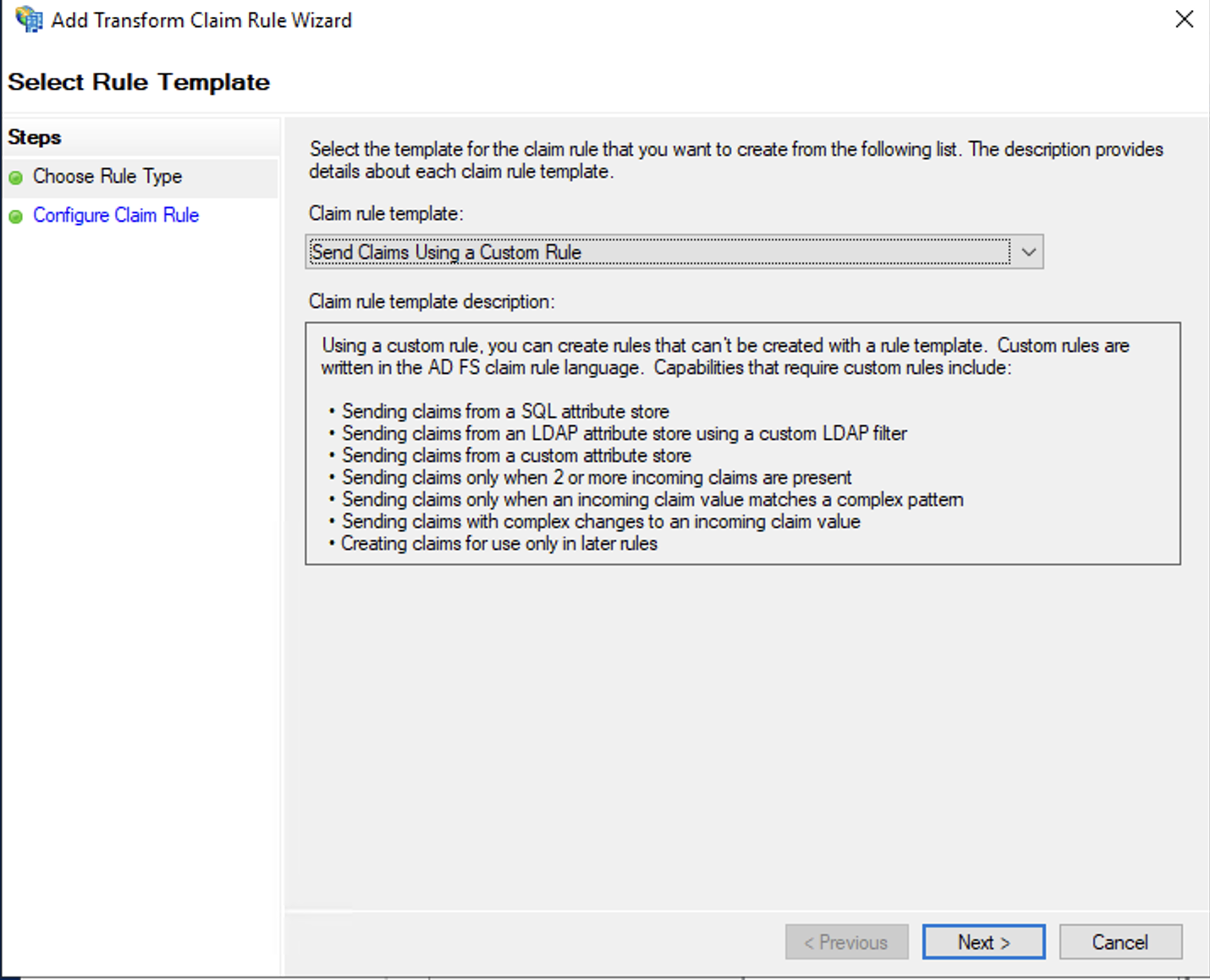
In ADFS, create a new Claim rule and select “Send Claims Using a Custom Rule” for the Claim rule template.
-
Use the following rule language for the custom rule:
Copyc:[Type == "http://schemas.microsoft.com/ws/2008/06/identity/claims/windowsaccountname", Issuer == "AD AUTHORITY"]
=> add(store = "Active Directory", types = ("http://schemas.xmlsoap.org/claims/Group"), query = ";tokenGroups;{0}", param = c.Value);-
This rule fetches all groups from Active Directory and stores them in a temporary claim.
-
-
Complete the wizard, then, create a second custom rule to filter down the list of groups.
-
Use the rule language to filter the groups list, as shown below. This example only retains groups that contain the sub-string
dct.Copyc:[Type == "http://schemas.xmlsoap.org/claims/Group", Value =~ "(?i)dct"] => issue(claim = c);And another example only retaining groups which start with the string delphix-dct
Copyc:[Type == "http://schemas.xmlsoap.org/claims/Group", Value =~ "^delphix-dct"] => issue(claim = c);See When to Use a Pass Through or Filter Claim Rule for more examples of the ADFS filter rule syntax.
-
Complete the wizard. Upong login to DCT, account federated from ADFS are now tagged with group membership.