Auto-selecting OKV client
Delphix selects OKV clients for OKV TDE related workflows including SnapSync, Provision, and Enable when it’s required based on the following criteria:
-
Single OKV client on host
If there is only one OKV client on the host where the CDB instance is running and no OKV client is set on the CDB instance, Delphix automatically assigns this OKV client to the CDB instance. This setting is persistent and will be used for future operations. The workflow then continues.
-
No OKV client on host
If there is no OKV client on the host and none is set on the CDB instance, Delphix throws a DUE
exception.oracle.vdb.tde.target.cdb.instance.auto.set.okv.client.not.found.on.hostand fails the workflow, e.g.: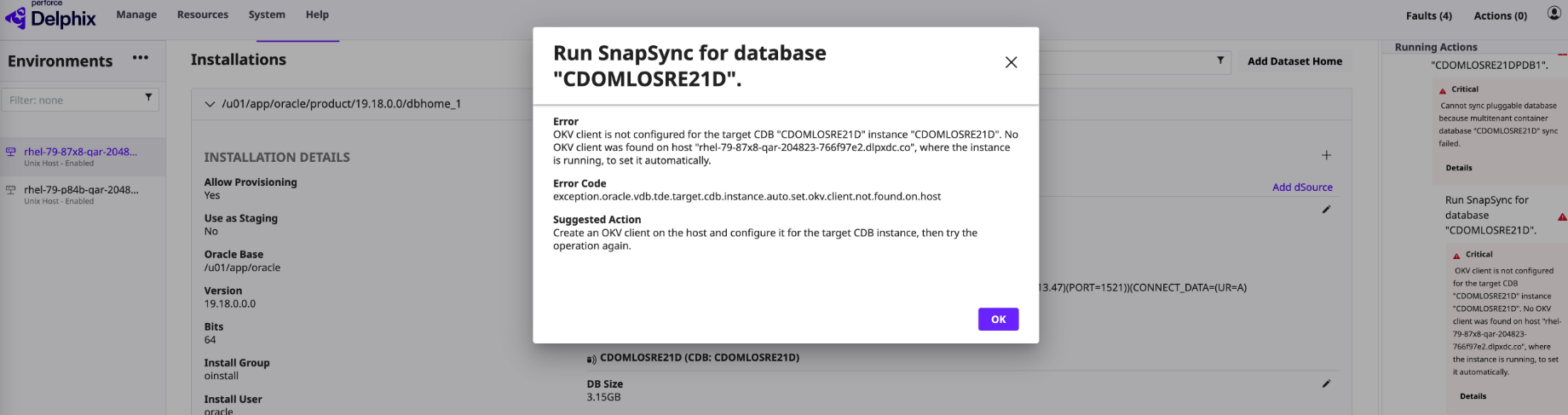
To resolve this error, set okvClient for the impacted instance as described in Update the okvClient for linked or virtual CDBs then retry the operation.
-
Multiple OKV clients on host
If there are multiple OKV clients on the host and none is set on the CDB instance, Delphix throws a DUE
exception.oracle.vdb.tde.target.cdb.instance.auto.set.okv.client.multiple.found.on.hostand fails the workflow, e.g.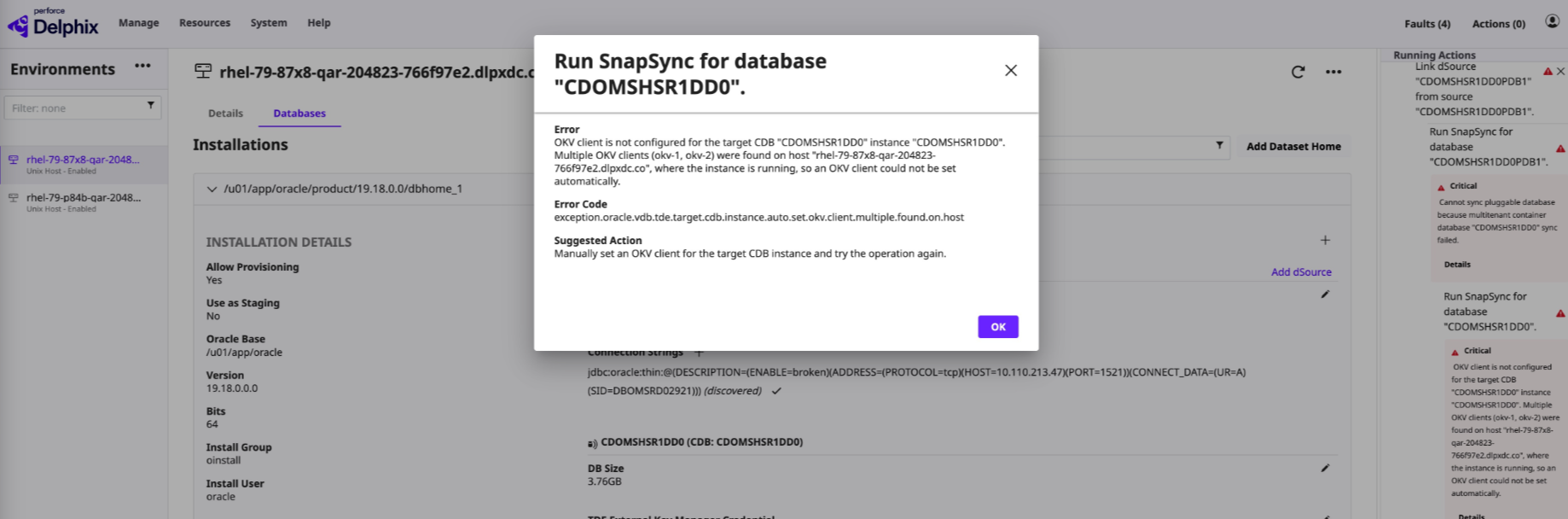
To resolve this error, set okvClient for the impacted instance as described in Update the okvClient for linked or virtual CDBs then retry the operation.