Managing environments (Continuous Data)
Global environments list
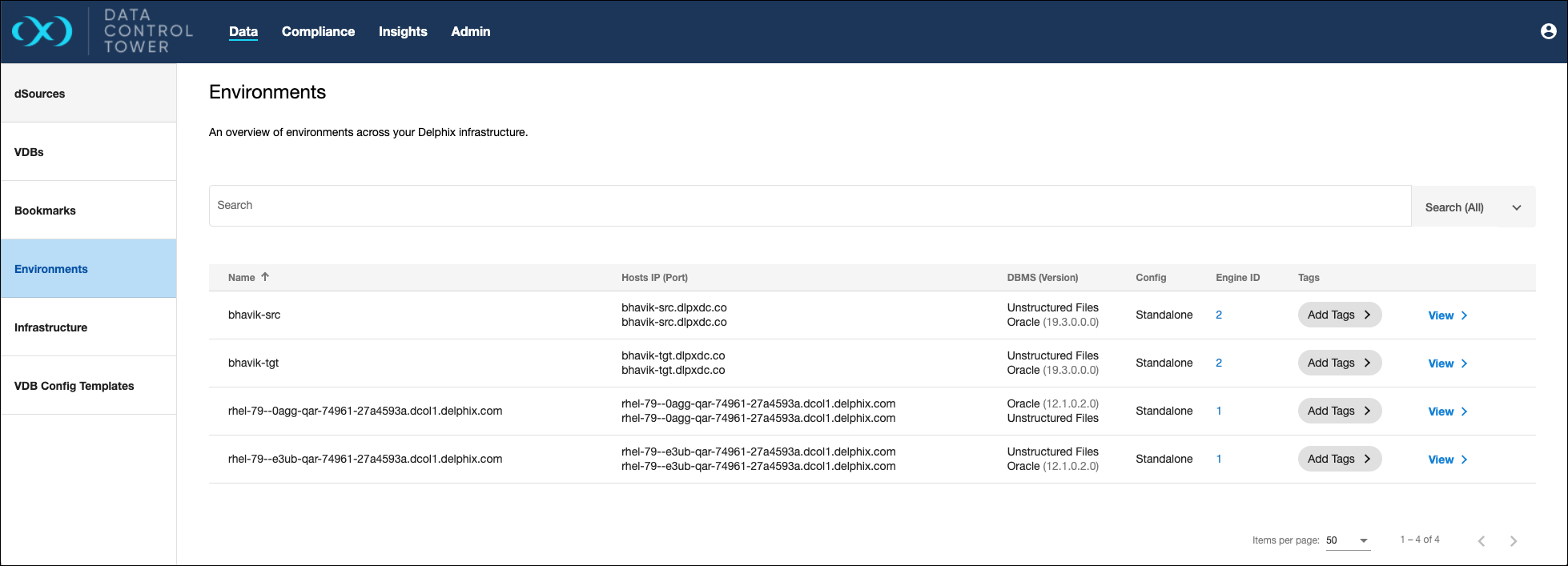
DCT provides the ability to view, search, sort, and filter all Continuous Data environments within a connected Delphix ecosystem. This page can be found under the Data section and is used to find and act upon all environment connections.
Starting in release 2025.5, the Environment details page has been redesigned for RAC environments. The following changes are available:
-
Cluster nodes tile now shows host details in an expandable accordion. Each host can be edited to update its details, enabled or disabled, and includes editable Virtual IP information.
-
Listeners tile displays available listeners per host. Manually added listeners include Edit and Delete options.
-
Cluster configuration tile has been added, with editable fields for Cluster Home, Remote Listener, Scan, and Cluster User. The Cluster Name is read-only.
-
Scan listener tile is now available (read-only).
-
Encryption tile is now supported for RAC environments.
These updates provide a clearer view of cluster components and allow more direct editing of host and listener configurations within the UI.
Manage environments
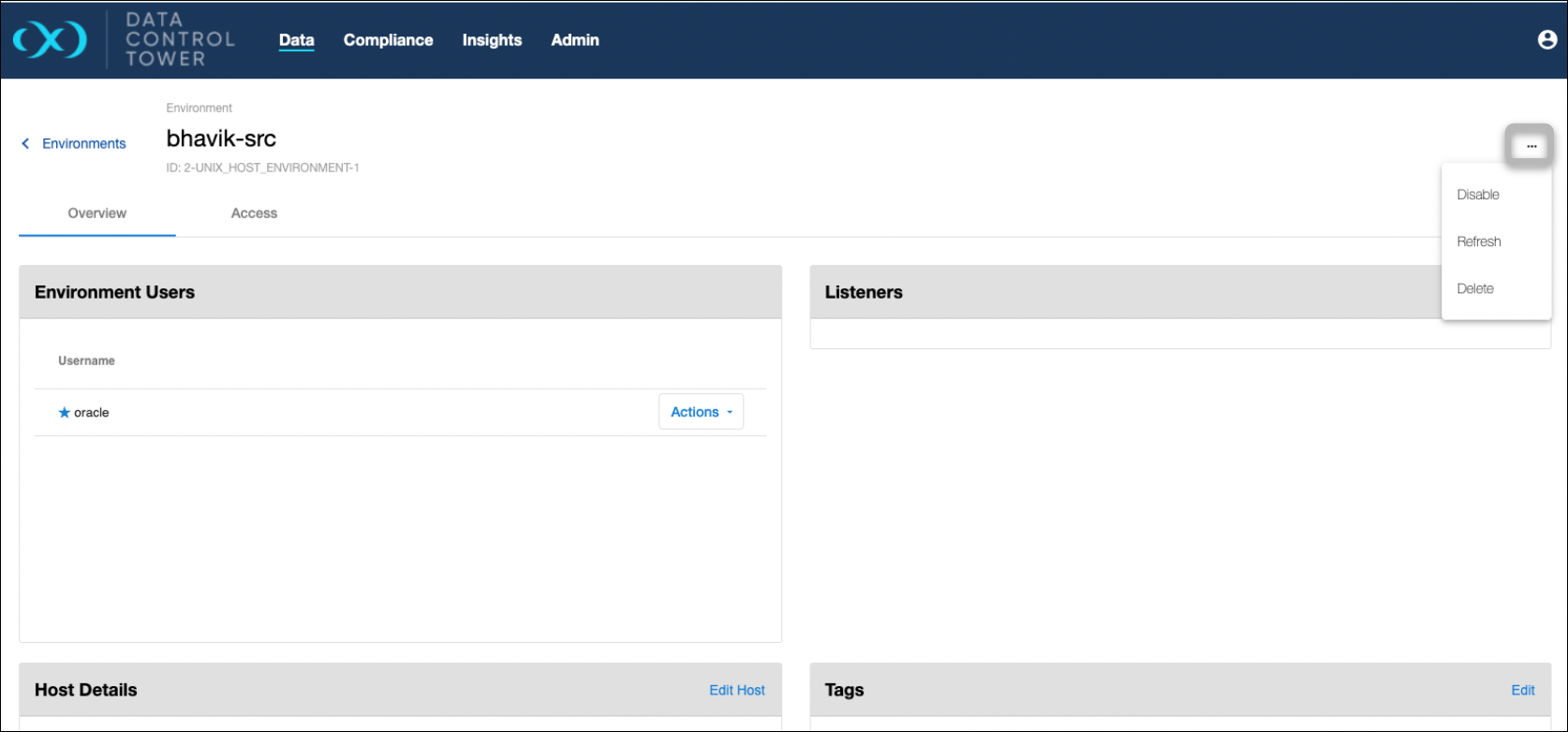
Selecting a standalone environment in the Data page shows an ellipsis in the top right corner. When the button is selected, the option to Enable/Disable, Refresh, or Delete the environment appears.
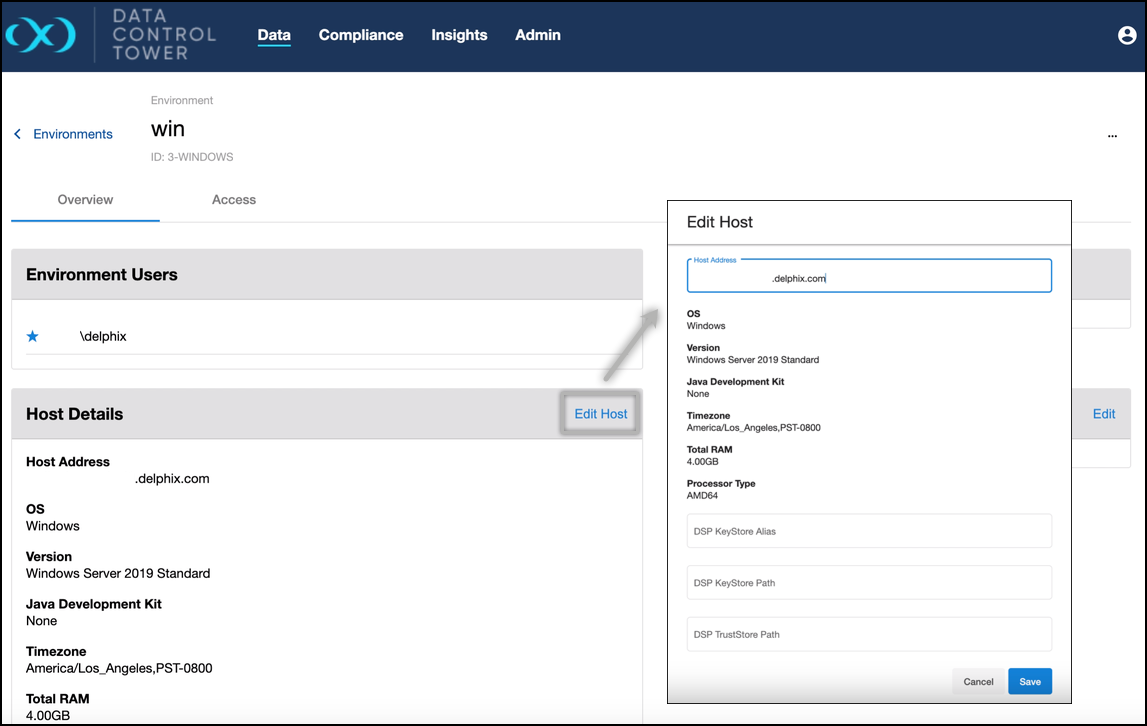
Edit host details
Selecting a standalone environment in the Data page shows an Edit Host option; it is not yet available for cluster environments. When the button is selected, the host details window will open, showing the input fields that can be edited. Select 'Save' to confirm the changes and close the window.