Bookmarks
Overview
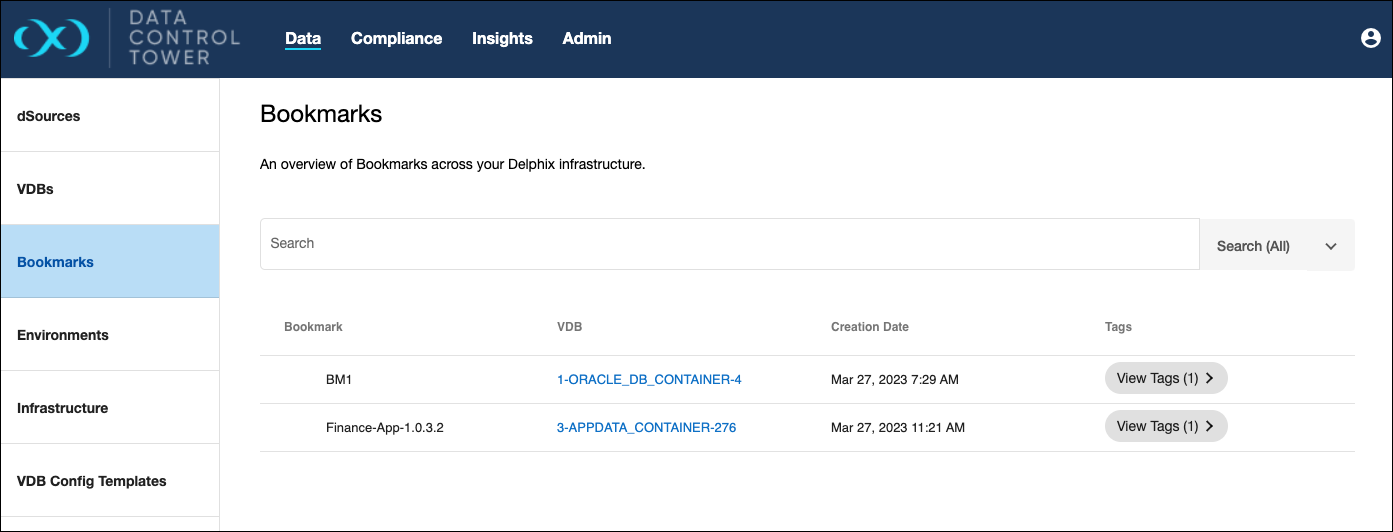
Bookmarks are a nameable time reference of a VDB or VDB Group snapshot. DCT provides a near real-time list of all bookmarks across all VDBs and VDB Groups and their associated VDB(s) from the Data > Data Management > Bookmarks section of the UI.
Create Bookmark
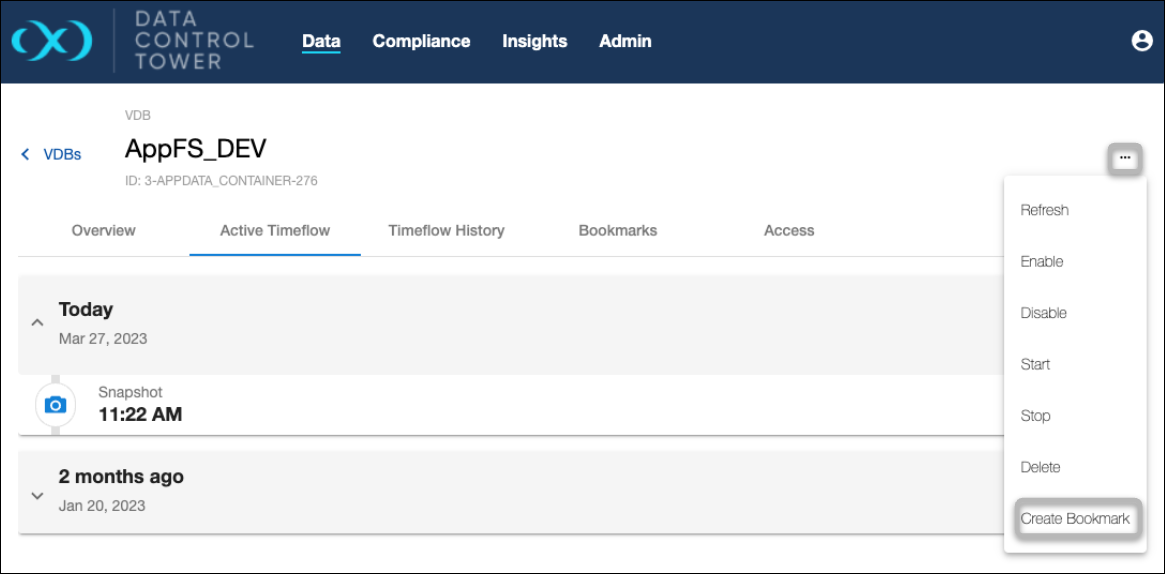
In order to create a bookmark in DCT, select the VDB for which it will be created. To do this, navigate to Data > VDBs and select View on the chosen VDB. You will be redirected to the VDB details page. From here, expand the Actions menu in the top-right and select Create Bookmark.
In the Create Bookmark window that appears, complete the configurations.
-
Bookmark Name: Provide a name.
-
Create Bookmark Options: Choose whether its created from the current data/time, a selected data/time, or a selected SCN based on location number.
-
Bookmark Visibility: Choose whether its Private (default) or Public.
-
Select Retention Data: Define a retention period.
-
You can optionally keep the bookmark until its manually removed.
-
-
Tags: Assign any relevant tags.
-
You can optionally choose to inherit tags from the VDB where the bookmark is being created.
-
Creating bookmarks this way will initiate a new snapshot operation, which will then be associated with that bookmark.
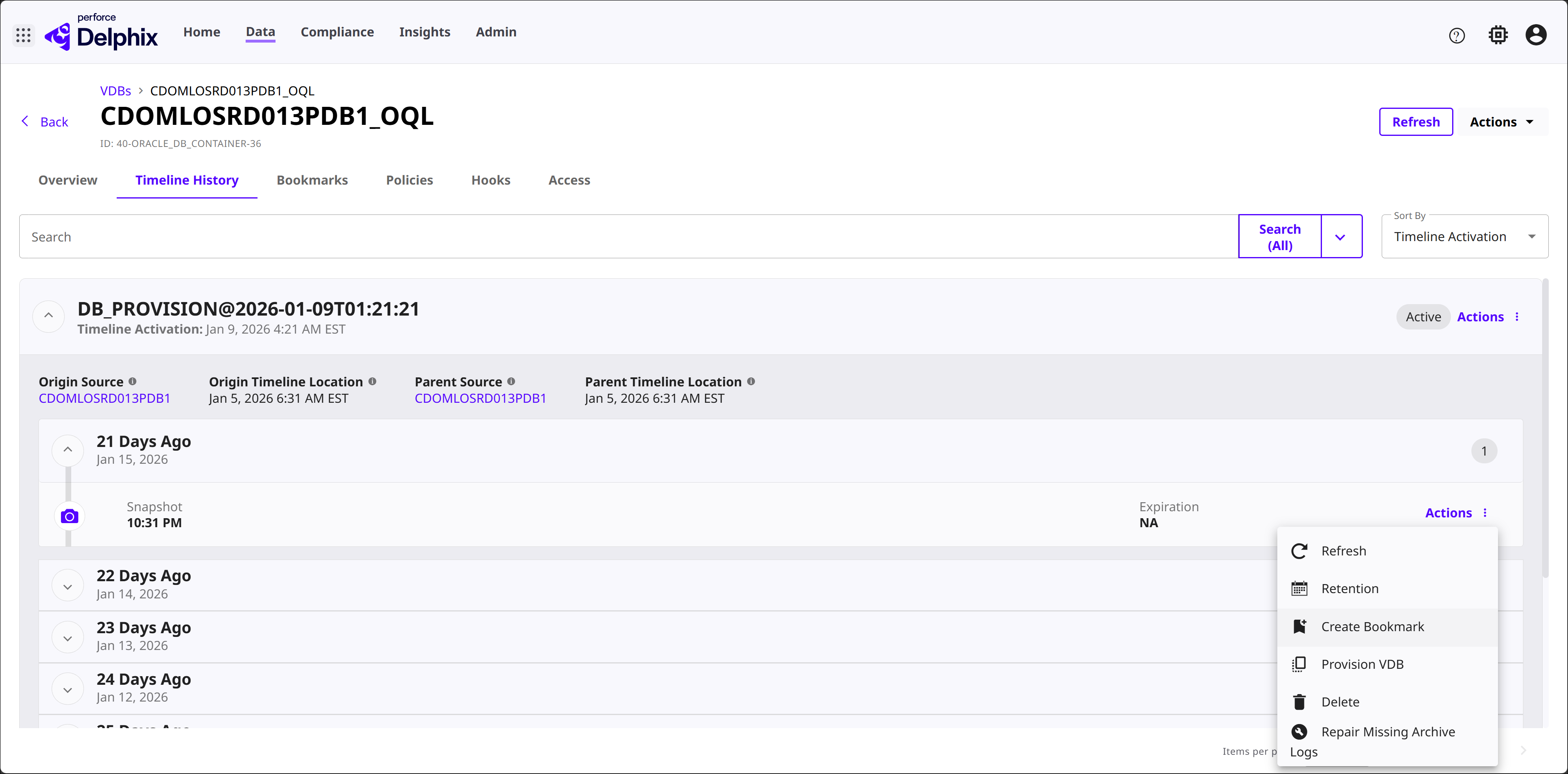
You can also create a bookmark from an existing Timeline. Back in the VDB details page, select the Timeline History tab. Expand the history of a Timeline, then click the Actions button and select Create Bookmark.
Bookmark deletion considerations
Bookmarks are no longer deleted by the system when all its datasets are removed from DCT. These bookmarks will only be removed when they expire or are manually deleted. DCT will automatically delete all bookmarks linked to a VDB when the VDB does not exist anymore, the same is applied to VDB Groups.
When you delete a bookmark, Delphix recalculates the expiration of the snapshot that was created during bookmark creation.
-
If the bookmark was the only source of an expiration policy, the snapshot’s expiration is removed.
-
If other bookmarks or manual expiration settings also reference that snapshot, they continue to apply.
Once expiration is removed, the snapshot may become eligible for deletion. A snapshot is deleted only if no other retention requirements exist—such as dependent VDBs, timeflows, or retention policies. If eligible, the snapshot is typically removed within 15 minutes during the engine’s regular cleanup cycle.
Bookmark lists
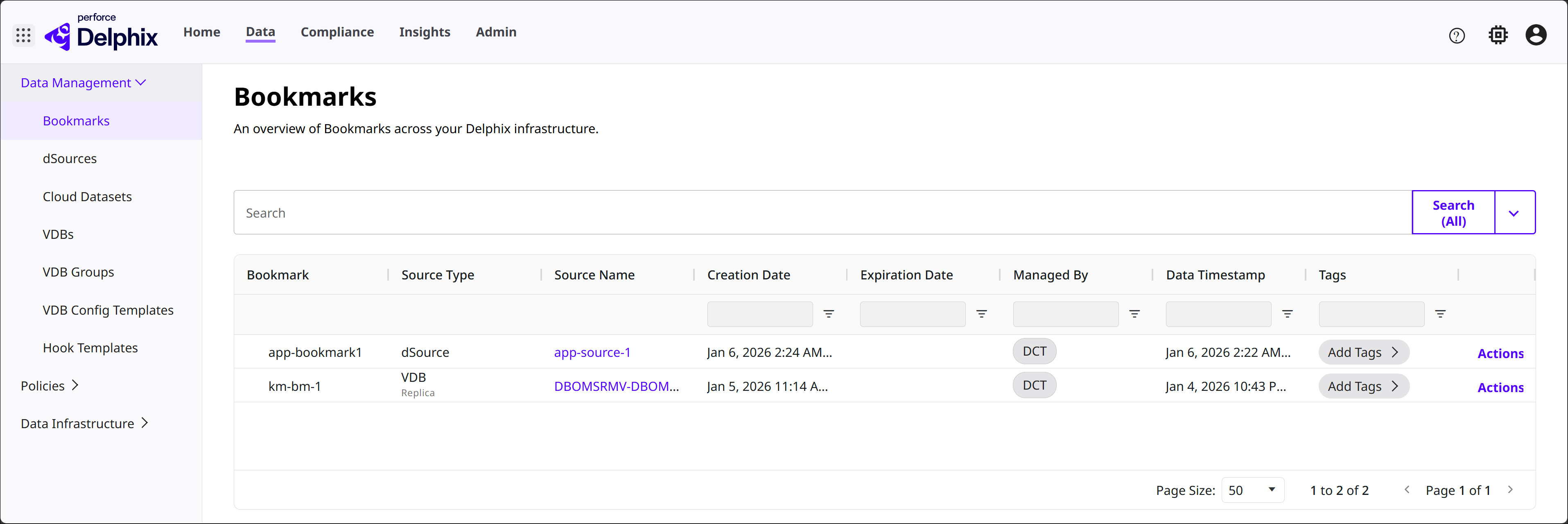
View the global bookmarks list in DCT by navigating to Data > Bookmarks.
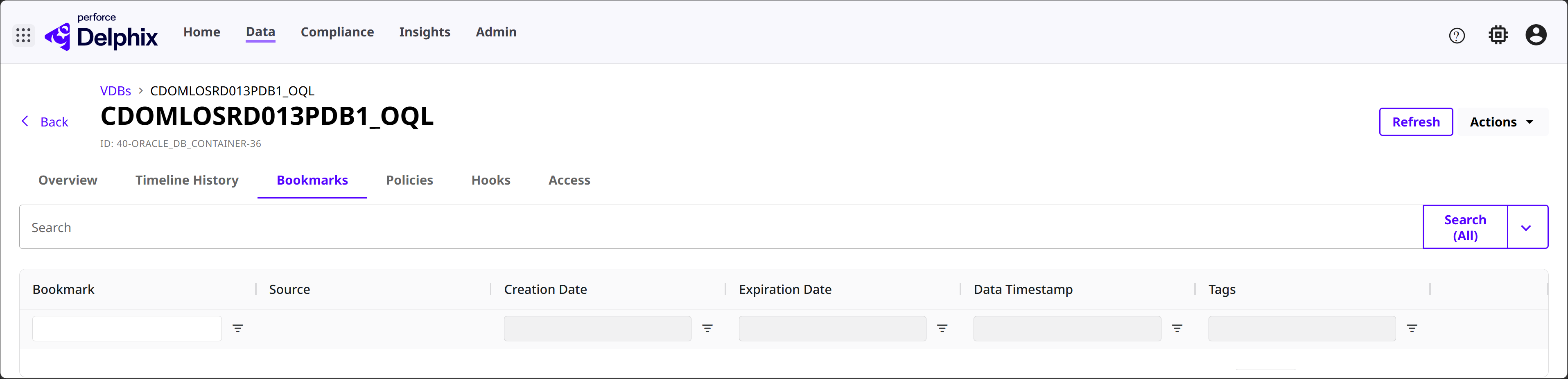
Back on a VDBs details page, select the Bookmarks tab to see all associated bookmarks of that VDB. You can find the same tab in a dSource details page too.
Bookmark APIs
Some advanced bookmark operations are only available via API at present, formal documentation can be found via API, CLI, and Integrations. This portion of the bookmarks documentation will discuss examples of advanced use-cases.
Bookmark at the current time for multiple VDBs
DCT (version 6.0 and above) can create bookmarks from existing snapshots. This is particularly useful for users looking to migrate Self-Service bookmarks to DCT or any developer looking to retroactively create a bookmark reference.
In cases such as integration testing, bundling multiple VDBs together to represent a complete set of data that a complex application would run on is helpful. This API example shows how a single bookmark reference can be created off of multiple VDBs, to provide a provision point for new testing sets or the creation of a VDB Group that can be used to maintain referential synchronicity from that bookmark point.
curl -X 'POST' \
  'https://<APPLIANCE_ADDRESS>/v3/bookmarks' \
  -H 'accept: application/json' \
  -H 'Authorization: <API_KEY>' \
  -H 'Content-Type: application/json' \
  -d '{
  "name": "MyBookmark1",
  "vdb_ids": [
    "1-ORACLE_DB_CONTAINER-2",
    "2-ORACLE_DB_CONTAINER-2"  ]
}'
These API calls will return a DCT job to track the creation process. This job ID can then be used to poll the status via the jobs API. Example response:
{
  "bookmark": {
    "id": "9e8c7223f1af4694a19ac2c2f7696eda",
    "name": "MyBookmark1",
    "creation_date": "2023-03-27T20:56:13.916857Z",
    "vdb_ids": [
      "1-ORACLE_DB_CONTAINER-2",
      "2-ORACLE_DB_CONTAINER-2"    ],
    "retention": 30,
    "expiration": "2023-04-26"  },
  "job": {
    "id": "8fe825f5635d45299915c3cb88a17623",
    "status": "PENDING",
    "type": "BOOKMARK_CREATE",
    "target_id": "9e8c7223f1af4694a19ac2c2f7696eda",
    "start_time": "2023-03-27T20:56:14.363549Z"  }
}