Enable and disable dSource hooks
Some dSources are linked to production systems, where hooks can execute with the privileges of the Delphix Environment User account. To reduce risk on production hosts, dSource hooks should remain disabled unless they are required for approved operational use cases.
Impacted dSources types
Only dSource types where hooks execute on production hosts are impacted by this control.
-
For Oracle, dSources using Delphix initiated backups.
-
For AppData, dSources which use "Direct ingestion” mechanism.
This control does not apply to hooks that execute on staging hosts or VDB target hosts.
Default behaviour
-
dSource hooks are disabled for fresh installations.
-
dSource hooks will be enabled by default while upgrading any engine created from 2025.6.0.0 or earlier releases.
Enable dSource hooks
-
Log in to CLI using a sysadmin user.
-
Type the commands below to enable the dSource hooks:
Copy> system
> enableDSourceHooks
> commit -
Verify the status using:
Copy> system
> get dsourceHooksEnabled
true
Disable dSource hooks
-
Log in to CLI using a sysadmin user
-
Type the commands below to disable the dSource hooks:
Copy> system
> disableDSourceHooks
> commit -
Verify the status using:
Copy> system
> get dsourceHooksEnabled
false
Behavior when dSource hooks are disabled
-
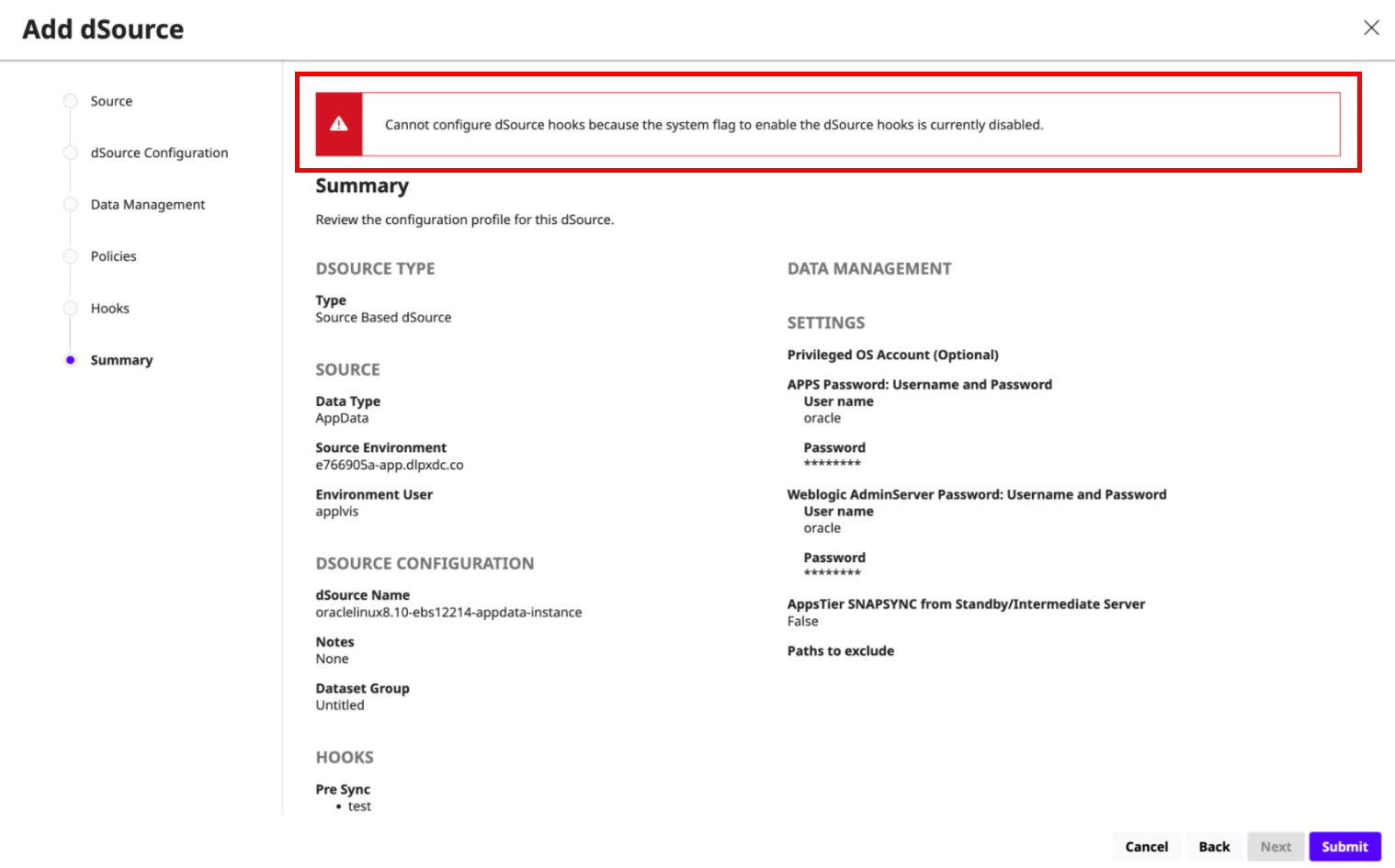
Configuring hooks in dSource link and update operations will result in the following error:
-
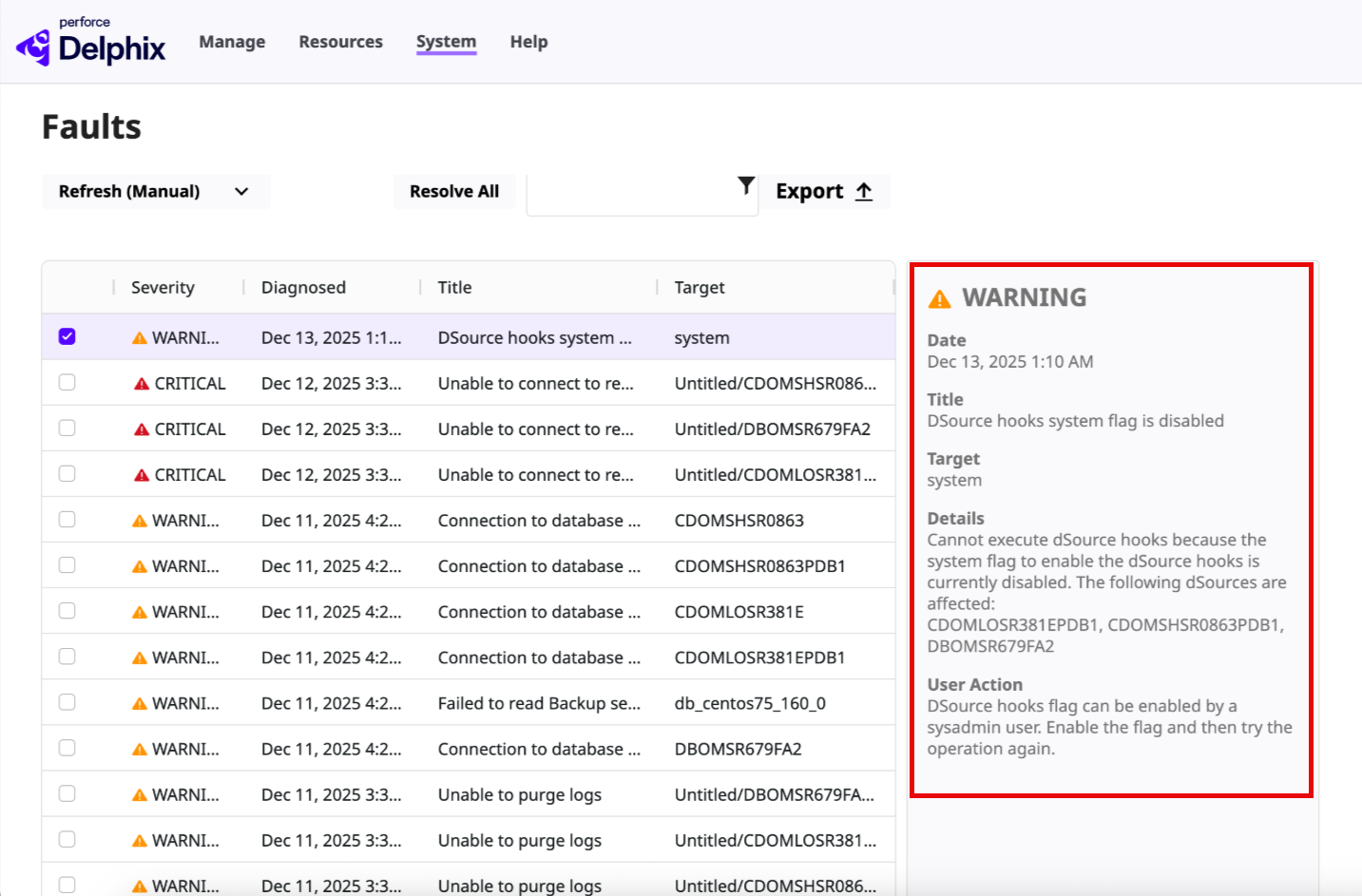
The following fault will be raised during sync operation for a dSource that has hooks configured: